

The Log Viewer is where you can view all your logs, filter data, and create custom views. When opening the Log Viewer for the first time, you’ll see all your logs for any apps or hosts added.Documentation Index
Fetch the complete documentation index at: https://mezmo-9a59581a-mintlify-926f893d.mintlify.app/llms.txt
Use this file to discover all available pages before exploring further.
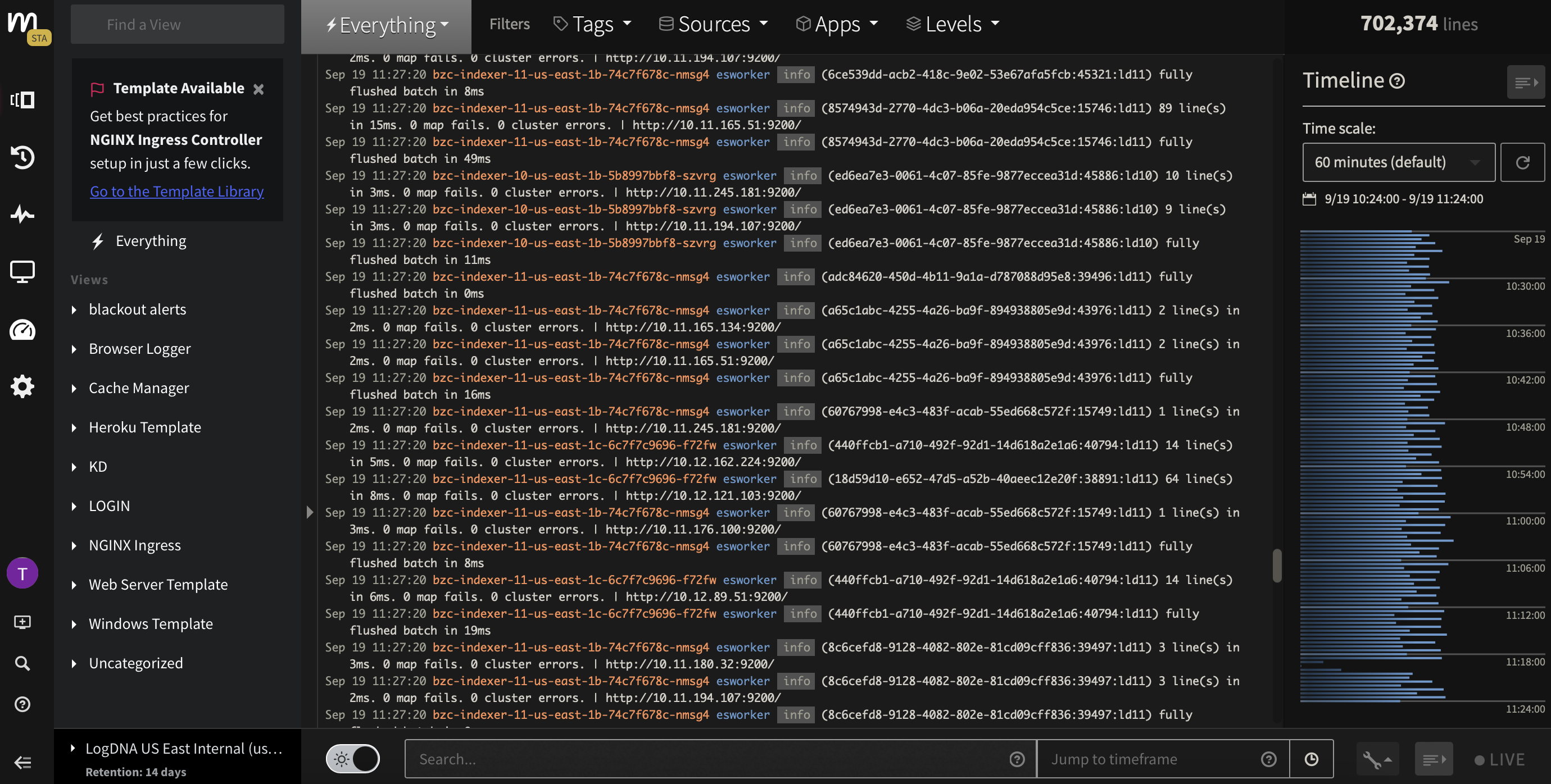
Views
Any Views you create will appear here. Use Views to narrow down the data you want to see. Learn more in Create and Edit Views.
Filter Toolbar
Further narrow down logs by filtering on Tags, Sources, Apps, and Levels. Use the Mezmo Logging Agent to add data.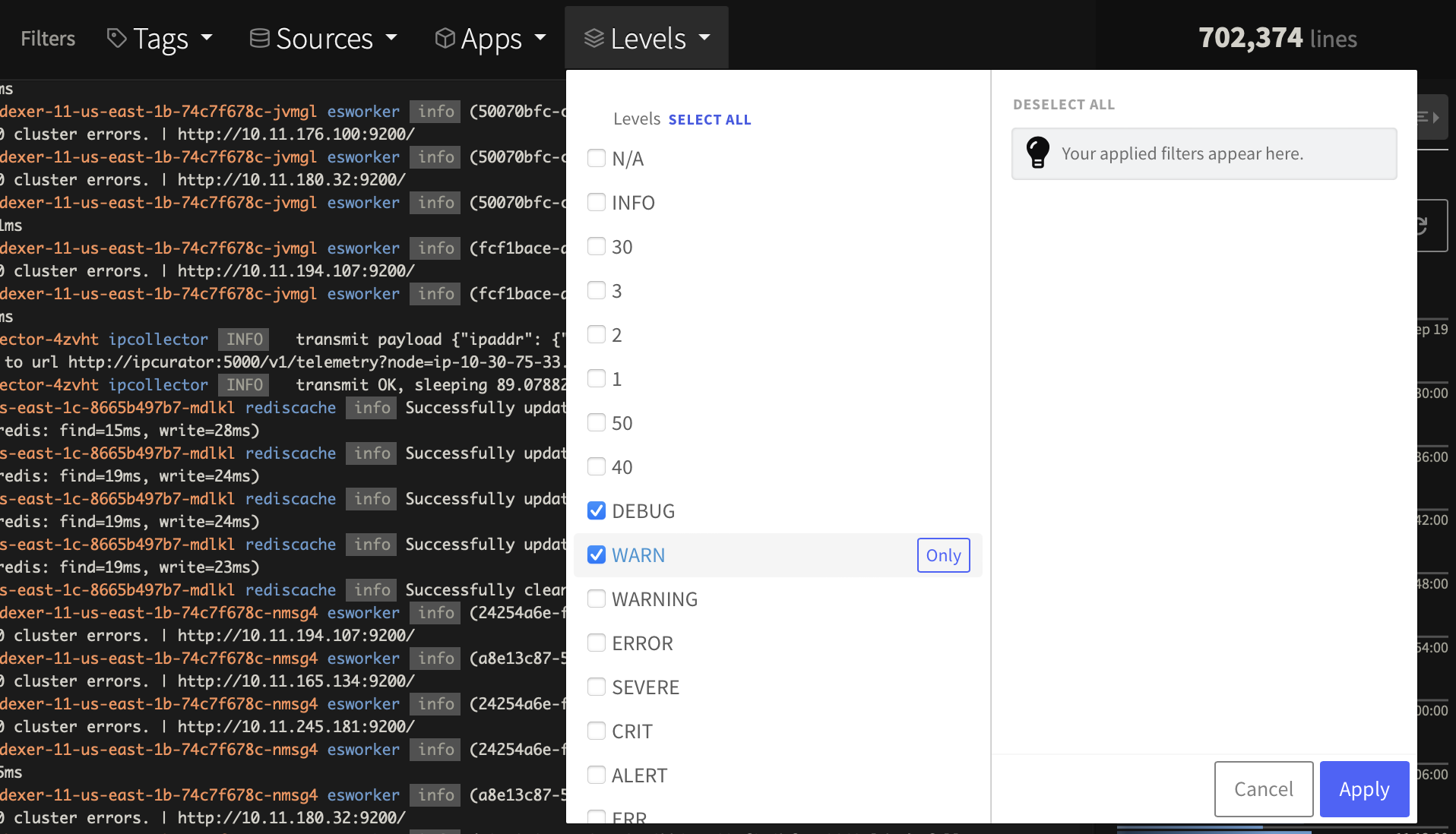
Search and Custom Templates
Check out Search and Filter Log Data for more information about using the search field, and Parse Logs with Custom Templates to learn how to create search templates based on your parameters.
Timeline
Use the timeline to find trends. Learn how in View Log Data by Timeline.