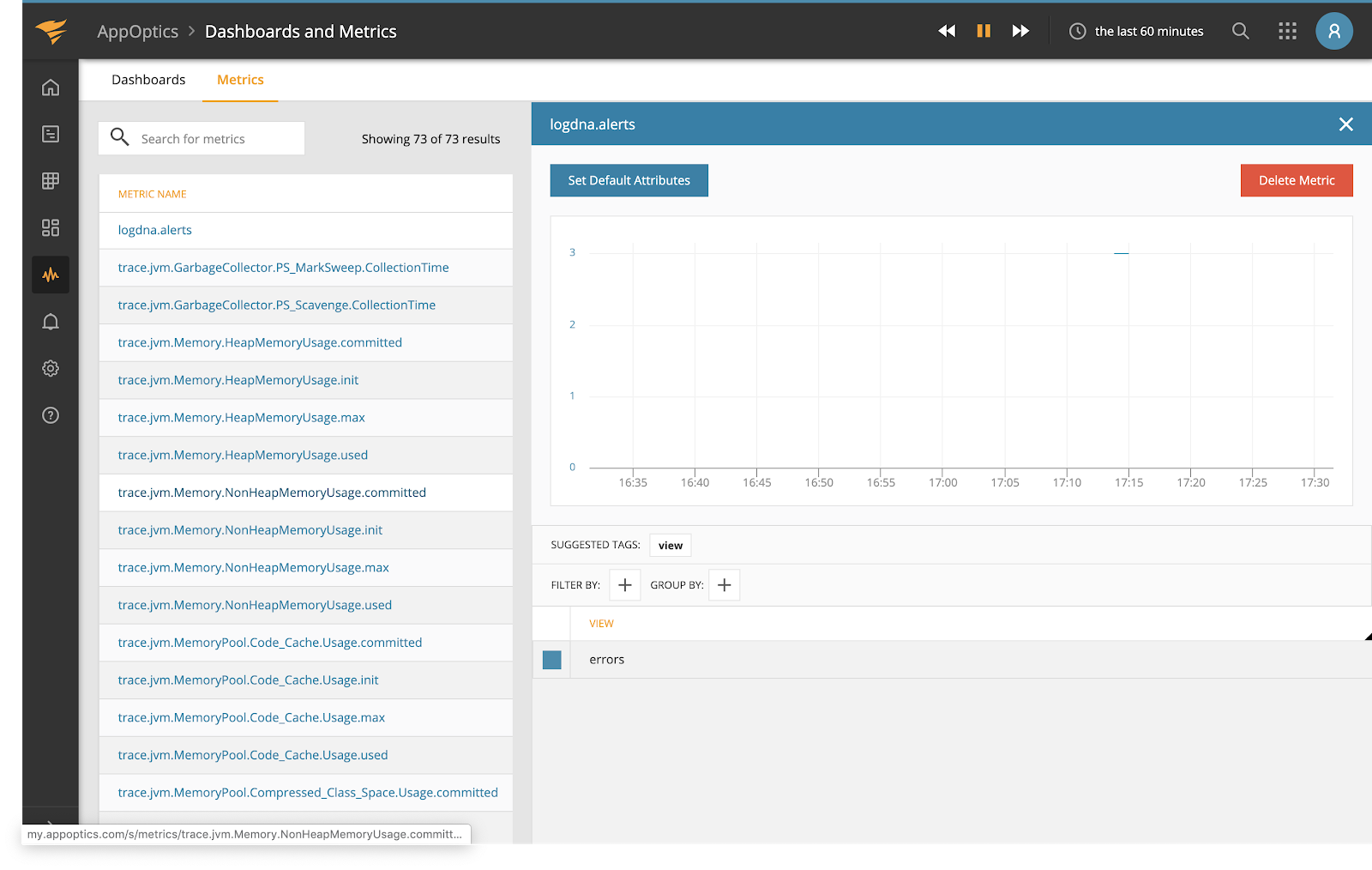
Mezmo’s alert integration with AppOptics interfaces with the App Optics Measurement API and allows alerts set in Mezmo to create measurements in AppOptics.Documentation Index
Fetch the complete documentation index at: https://mezmo-9a59581a-mintlify-926f893d.mintlify.app/llms.txt
Use this file to discover all available pages before exploring further.
Integrating with AppOptics
On the alerts creation page, select the AppOptics logo. To find an API token, in your AppOptics dashboard, go to Settings → API Tokens page to copy an existing or create a new API token with “Record Only” permission.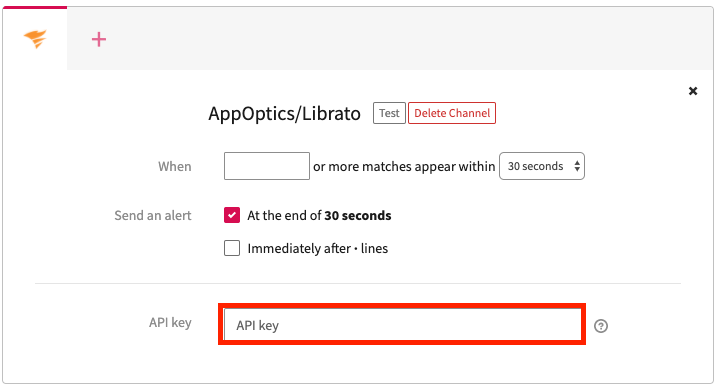 Remember to save your alert so that your alerts will now trigger in AppOptics and new alerts will be in yourAppOptics dashboard. Specifically, new alerts can be found by navigating to: AppOptics -> Dashboards and Metrics -> mezmo.alerts.